 Claude tutorial
Tutorial 03: Document Analysis for Legal Professionals
Master Claude's document upload and analysis features for contracts, M&A documents, leases, litigation materials, and multi-document reviews.
Learning Objectives
By the end of this tutorial, you will:
- Master Claude's document upload and analysis features
- Process multi-document reviews efficiently
- Extract key information from contracts, pleadings, and discovery
- Analyze M&A documents with confidence (SPA, warranties, conditions)
- Conduct lease analysis and term abstraction
- Review MSAs and SLAs for compliance obligations
- Summarize litigation materials rapidly
- Compare clause language across documents
- Export structured contract data to Excel/CSV
- Compare Claude's document analysis to Harvey and Legora
Time Required: 60 minutes | Level: Beginner | No technical skills required
Claude's Document Capabilities
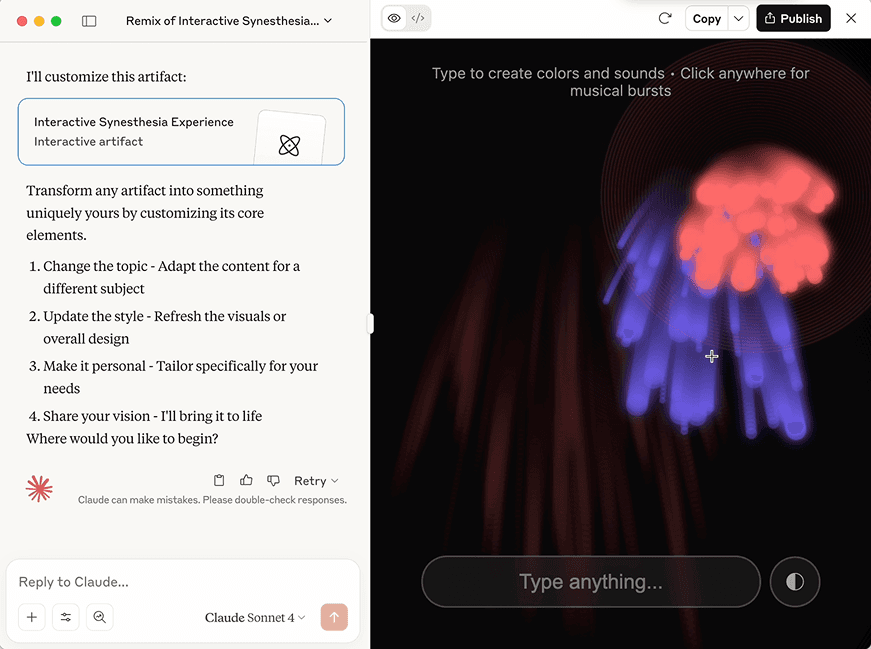
Official Claude screenshot from Use artifacts to visualize and create AI apps. For legal document work, treat visual or structured outputs as drafts until a lawyer verifies the source material.
What Claude Can Process
| Document Type | Max Size | Best Use Cases |
|---|---|---|
| Large documents (verify current limits) | Contracts, briefs, transcripts, deal documents | |
| Word (.docx) | Large documents (verify current limits) | Drafts, redlines, memos, agreements |
| Text files | Large | Plain text documents, extracted content |
| Images | Multiple | Signed docs, exhibits, handwritten notes |
| Spreadsheets | Via analysis | Discovery logs, billing records, data exports |
| Email chains | Threaded | Communications analysis, pattern detection |
Uploading Documents
Method 1: Direct Upload
- Click the paperclip icon in Claude
- Select file(s) from your computer
- Wait for processing confirmation
Method 2: Copy-Paste
- Copy text from document
- Paste directly into conversation
- Works for quick snippets
Method 3: Projects (Recommended for Matters)
- Upload documents to Project knowledge base
- Reference across multiple conversations
- Documents persist until removed
Pro Tip: Preparing Documents
For best results:
- Use text-based PDFs (not scanned images)
- Use OCR if you have scanned documents
- Remove password protection before upload
- Split very large documents if experiencing issues
- Name documents clearly for easy reference
Single Document Analysis & Competitive Comparison
Exercise 1: Full Contract Review
Scenario: You've received a 30-page software license agreement. You represent the licensee.
Step 1: Upload the contract (or use sample text below)
Step 2: Use this comprehensive review prompt:
Comparing to Harvey and Legora
Harvey's Approach:
- Pre-built contract review workflows
- Automatic clause extraction
- Integration with Harvey Vault for document storage
- Limited customization of review criteria
- Requires enterprise contract database setup
Legora's Approach:
- Tabular Review creates spreadsheet-like analysis
- Bulk processing of 100s of documents
- Pre-built workflows for due diligence
- Portal for sharing with clients
- Focus on visual data extraction
Claude's Advantage:
- Complete control over review criteria
- Custom prompts for your specific concerns
- No rigid workflow constraints
- Custom review criteria and prompts
- File support and limits vary by plan and tool
- Validate quality, cost, and setup effort on representative matters
Comparative Document Analysis
Exercise 2: Redline Analysis
Scenario: You sent your standard NDA to a counterparty. They returned a redlined version. You need to understand what changed.
Prompt:
Exercise 3: Multiple Contract Comparison
Scenario: You're comparing 3 vendor proposals for similar services.
Prompt:
M&A Due Diligence: Share Purchase Agreement Analysis
Exercise 4: SPA Comprehensive Review
Scenario: Your client is acquiring a target company. You need a thorough SPA review.
Prompt:
Key M&A Document Definitions:
- Share Purchase Agreement (SPA): Master agreement for equity transaction
- Representations & Warranties: Statements about company condition (subject to indemnification)
- Closing Conditions: Requirements that must be satisfied before deal closes
- Indemnification: Post-closing remedy for breach of reps/warranties
- Earn-out: Additional contingent payment based on post-closing performance
- Escrow: Funds held in reserve to satisfy potential indemnification claims
Lease Analysis & Abstraction
Exercise 5: Commercial Lease Term Extraction
Scenario: You're managing a real estate portfolio and need to track lease terms for 12 commercial properties.
Prompt:
Residential Lease Variant
For residential leases, modify to focus on:
- Rent and deposit amounts
- Move-in date and lease expiration
- Renewal terms and notice requirements
- Maintenance obligations
- Pet policy and deposits
- Utilities responsibility
- Early termination penalties
- Notice periods for non-renewal
MSA/SLA Review: Service Agreement Analysis
Exercise 6: Master Service Agreement & SLA Review
Scenario: Your client is entering into a Master Service Agreement with a cloud services provider. Compliance and operational commitments are critical.
Prompt:
Key Operational Considerations:
- SLA Metrics: Service Level Agreements define measurable performance standards
- Uptime Target: Percentage of time service must be available (99.9% = ~43 minutes/month downtime)
- Credits: Partial refunds for SLA breaches (often capped at monthly fees)
- Indemnification: Vendor's obligation to defend client against third-party claims
- Audit Rights: Client's right to verify vendor compliance with agreement terms
Litigation Document Analysis
Exercise 7: Complaint Analysis
Scenario: Your client was just served with a complaint. You need a rapid assessment.
Prompt:
Exercise 8: Case Materials Summarization
Scenario: You're inheriting a litigation matter. You need to understand the status from 20 documents.
Prompt:
Clause Comparison Across Documents
Exercise 9: Identifying Language Variations
Scenario: You're comparing 5 vendor agreements for similar services. Key obligations vary across documents.
Prompt:
Quick Clause Comparison Tool
For rapid comparison of single clauses across documents:
Structured Data Export: Excel/CSV Workflows
Exercise 10: Contract Portfolio Data Extraction
Scenario: You manage a portfolio of 30 vendor contracts. You need the data in Excel for tracking and management.
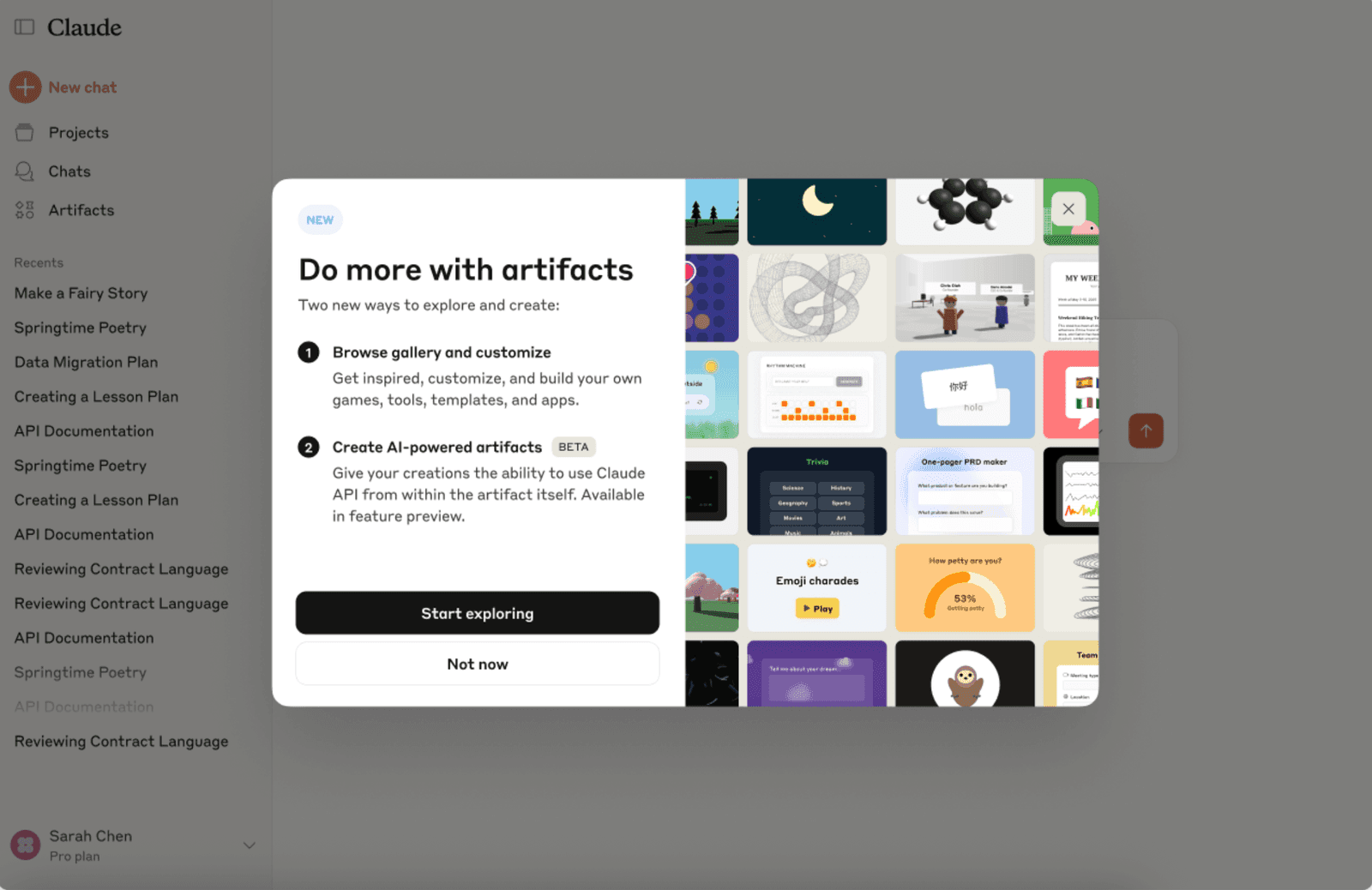
Official Claude screenshot from Intro to Artifacts. For contract data extraction, use artifacts or tables as working views only; verify every exported field against the source documents before relying on it.
Prompt:
Exercise 11: Lease Portfolio Tracking
Prompt:
Exercise 12: Due Diligence Document Index
For M&A, litigation, or audit projects, create structured indexing:
Prompt:
Exporting Data from Claude to Excel
Method 1: CSV Import
- Copy CSV data from Claude
- Open Excel
- Data > Text to Columns (paste-special)
- Delimited by comma
- Adjust column widths
Method 2: JSON Export (for complex data)
Method 3: Direct Table Format
Discovery Document Review
Bulk Document Processing Strategy
For large document sets, use this workflow:
Step 1: Categorization Prompt
Step 2: Deep Dive on Relevant Documents
Step 3: Pattern Recognition
Comparing to Legora's Tabular Review
Legora's Feature: Automatically extracts data points into spreadsheet format across 100s of documents.
Claude's Approach: More manual but equally effective:
Document Analysis Quality Control
The VALID Framework
V - Verify page/paragraph references Claude provides A - Ask for specific quotes to support conclusions L - Look for what's missing (Claude may not flag absences) I - Investigate any citations or legal claims D - Double-check numbers and dates
Common Document Analysis Errors (Expanded)
| Error Type | How to Catch | Prevention |
|---|---|---|
| Hallucinated clauses | Request page numbers | Ask for exact quotes |
| Missed provisions | Review table of contents | Ask "Is there a [X] clause?" |
| Misinterpreted party | Confirm party identification | Be explicit about your side |
| Wrong jurisdiction | Verify governing law clause | State jurisdiction upfront |
| Outdated law | Check citations | Specify "current as of 2026" |
| Calculation errors | Request source | Verify all financial numbers |
| Missing exhibits | Note referenced documents | Ask "How many exhibits?" |
Quality Control Checklist for M&A Documents
- All parties correctly identified
- All dates verified (signature, effective, etc.)
- Calculation formulas confirmed
- Warranty scope limitations noted
- Indemnification baskets and caps confirmed
- Survival periods accurate
- Closing conditions complete
- All exhibits/schedules referenced and located
- Jurisdictional conflicts checked
- Key operational deadlines identified
Quality Control Checklist for Leases
- Landlord and tenant names verified
- Address of property confirmed
- Lease commencement and expiration dates verified
- All renewal options located and terms extracted
- Rent schedule complete and mathematically verified
- Escalation mechanism clarified
- Operating expense methodology understood
- All restrictions on use identified
- All renewal notice deadlines calculated
- Insurance requirements confirmed
Competitive Summary: Claude vs. Harvey vs. Legora
Feature Comparison Matrix (High-Level)
| Feature | Claude | Harvey | Legora |
|---|---|---|---|
| Document Types Supported | Broad document support | Commercial legal workflow support | Commercial legal workflow support |
| Max Document Size | Large documents supported (verify limits) | Vendor-defined limits | Vendor-defined limits |
| Custom Analysis Prompts | High flexibility | More workflow-driven | Workflow-driven with configurable options |
| Bulk Processing | Prompt-driven/batch workflows | Platform workflows | Platform workflows |
| Data Extraction to CSV/Excel | Prompt + table export workflow | Platform export workflows | Platform export workflows |
| Pricing Model | Consumer/API plans available | Enterprise-oriented pricing | Enterprise/project-oriented pricing |
| Team Collaboration | Projects and team plans | Enterprise collaboration features | Enterprise collaboration features |
Pricing and Rollout Notes
- Pricing, limits, and deployment timelines vary by contract, seat count, and feature set.
- Use official vendor pricing/sales pages for current numbers.
- For internal decision memos, record the "as of" date for every quoted price.
Winner by Use Case:
- Single/small batch review: Claude
- Large enterprise portfolio: Harvey or Legora
- Specialized analysis: Claude
- Compliance automation: Legora
- Litigation support: Claude
Real-World Workflows
Workflow 1: 48-Hour SPA Review
Timeline: M&A deal just entered diligence phase
Day 1 - Morning:
- Upload SPA to Claude
- Run Exercise 4 prompt (SPA Comprehensive Review)
- Extract key dates and closing conditions
- Identify HIGH RISK items
Day 1 - Afternoon:
- Meet with business team
- Discuss feasibility of closing conditions
- Identify deal-breakers vs. negotiable items
Day 2 - Morning:
- Upload counterparty's responses (if available)
- Compare proposed modifications
- Draft negotiation strategy
Day 2 - Afternoon:
- Present findings to deal team
- Recommend proceed/don't proceed/renegotiate
Workflow 2: Litigation Document Management
New matter intake:
- Upload complaint
- Run Exercise 7 prompt (Complaint Analysis)
- Create initial case assessment
- Extract key dates and deadlines
- Set calendar reminders for answer deadlines
Ongoing discovery:
- Batch upload 5-10 documents weekly
- Run Exercise 8 prompt (Case Materials Summarization)
- Add to matter timeline
- Flag critical documents
- Build narrative for trial preparation
Workflow 3: Vendor Contract Portfolio Management
Quarterly review:
- Extract all vendor contract data using Exercise 10
- Import to Excel
- Identify contracts expiring in next quarter
- Flag contracts without termination limits
- Prioritize renegotiation targets
New vendor onboarding:
- Receive proposed MSA/SLA
- Run Exercise 6 prompt (MSA/SLA Review)
- Compare to standard template
- Identify gaps vs. our template
- Provide negotiation instructions to procurement
Information Extraction Templates
Template 1: Contract Data Extraction
Template 2: Litigation Fact Extraction
Homework Before Tutorial 04
-
Process 3 different document types
- One contract
- One litigation document
- One lease or service agreement
-
Compare clause variations
- Download 2 versions of a template
- Use Exercise 9 to identify differences
-
Create a data extraction template
- Identify a document type you work with regularly
- Design CSV structure for export
- Test with 3 sample documents
-
Build a portfolio tracker
- Gather 5 contracts from your practice
- Extract data using Exercise 10 format
- Create Excel sheet for management
-
Test the VALID framework
- Find a document you know well
- Have Claude analyze it
- Verify 5 key facts using the VALID framework
- Note accuracy rate
Key Takeaways
- Claude excels at customized document analysis
- M&A documents require specific structured analysis
- Lease abstractions save hours of manual review
- SLA compliance tracking protects operations
- Litigation summaries accelerate case assessment
- Comparative clause analysis prevents costly mistakes
- Structured data export integrates with business systems
- Quality control frameworks catch hallucinations
- Cost-effectiveness allows detailed review of all documents
Do This Now
- Run a full contract review (Exercise 1) and redline analysis (Exercise 2)
- Try one M&A, lease, or discovery workflow from this tutorial
- Export structured data to Excel/CSV if relevant to your practice
Continue to Projects → | Previous: Getting Started
Related family pages
Sources
- Claude API Documentation
- Prompting Best Practices (Claude Docs)
- Claude Pricing
- Harvey
- Legora
- vLex
- CourtListener
- Google Scholar